Roomshot vs Canva mockups
By Jayden, Founder of Roomshot · · Updated
If you already pay for Canva Pro, start there. Canva lets you drag your own image into a mockup inside an editor you may already use. Roomshot is a single-purpose tool: you upload one flat print once, and in seconds you get framed room mockups plus the 1:1, 4:5, 2:3 and 9:16 crops, a detail crop and a caption in one zip. Roomshot is the better fit when wall-art listings are your whole job.
We make Roomshot, and we keep this to facts we can source.
At a glance
| Canva mockups | Roomshot | |
|---|---|---|
| What it is | General design editor, mockups are one feature (source, checked 2026-10-20) | Wall-art room mockup generator |
| Price | Free: US$0/year. Pro: US$144/year for one person (source, checked 2026-10-20) | 3 free downloads, then Starter $9 for 40 downloads, Shop $24 for 150, Studio $59 for 500 (pricing) |
| Use your own image | Yes, drag and drop (source, checked 2026-10-20) | Yes, upload JPG, PNG or WebP up to 20 MB |
| Etsy crop export | No listing-crop zip found on the Canva page (source, checked 2026-10-20) | 1:1, 4:5, 2:3, 9:16, detail crop and caption in one zip |
| Steps per listing set | 8, if you export each size yourself | 3 |
| Render time | Not measured | 2.2 to 3.2 s per render with the listing pack, engine run 2026-10-20 |
Workflow
In an editor-based mockup, you place the image on a mockup yourself, and each size you want is its own export from the design. Canva's strength is that you can add text, badges and layouts around the mockup without leaving the app.
With Roomshot you upload one flat print once. The room mockups, the four crops, the detail crop and the caption come back together in seconds. If you want text or badges on top, download the crops and add them in Canva; the two work together.
Design editor (Canva)8 steps
- Open a mockup
- Upload the print
- Drag it into the mockup
- Export 1:1
- Export 4:5
- Export 9:16
- Make a close-up
- Write a caption
Roomshot3 steps
- Upload the print
- Pick a room
- Download the zip
The editor row describes the method when you make every size yourself. It is not a timed test of Canva.
Smartmockups
If you searched for Smartmockups: smartmockups.com returns a 301 redirect to canva.com/mockups (checked 2026-10-20, smartmockups.com). We have not verified more than that.
Price model
Canva lists a Free plan at US$0 a year for one person and Pro at US$144 a year for one person (checked 2026-10-20, canva.com/pricing). Canva's help page says custom mockup templates are limited to Pro, Teams, Enterprise, Education and Nonprofit plans (source, checked 2026-10-20). The pricing page does not say which plan includes the standard mockups, so check before you plan around the free tier.
Roomshot has no subscription. You get 3 free downloads, then buy a pack. If you already pay for Canva Pro for other work, the price argument for Roomshot is weak. Use what you have already paid for.
If you would buy Canva Pro only for mockups, compare a year of each:
- Canva ProUS$144
- Roomshot, Starter rate$67.50
- Roomshot, Shop rate$48.00
- Roomshot, Studio rate$35.40
300 downloads a year. Roomshot at its per-download pack rates. Canva Pro is US$144 a year for one person, checked 2026-10-20, and includes the rest of the editor.
Frame fit
Roomshot fits your print to the frame's inner edge, so no mat shows unless the scene has one. If your print's shape differs from the opening, Roomshot crops it and does not stretch it. The print is placed, never redrawn; it is scaled, may be cropped, and is graded to the room's brightness and white point. See Frame mockups for printables. To check any tool on your own file, see Do AI mockups change my artwork?.
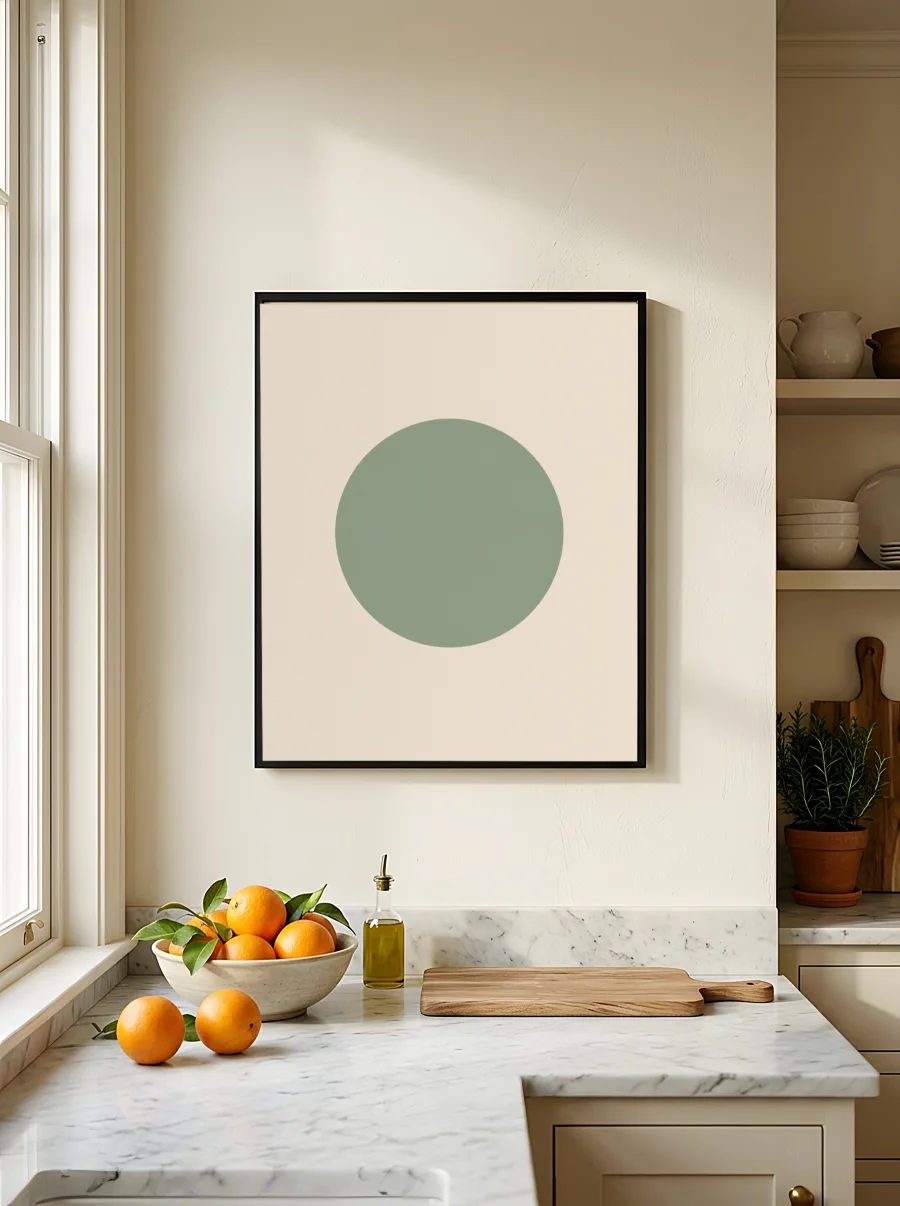 Kitchen · black
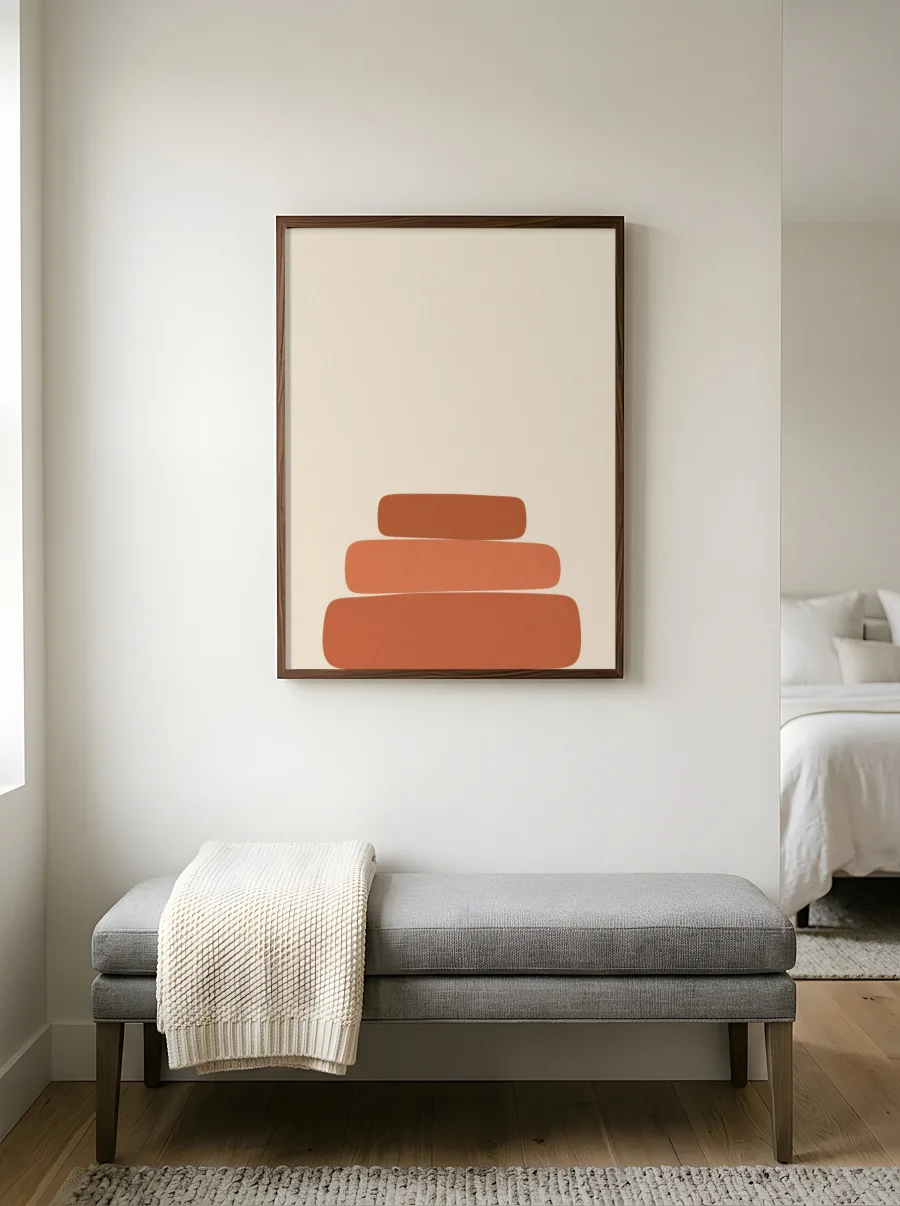 Bedroom · walnut
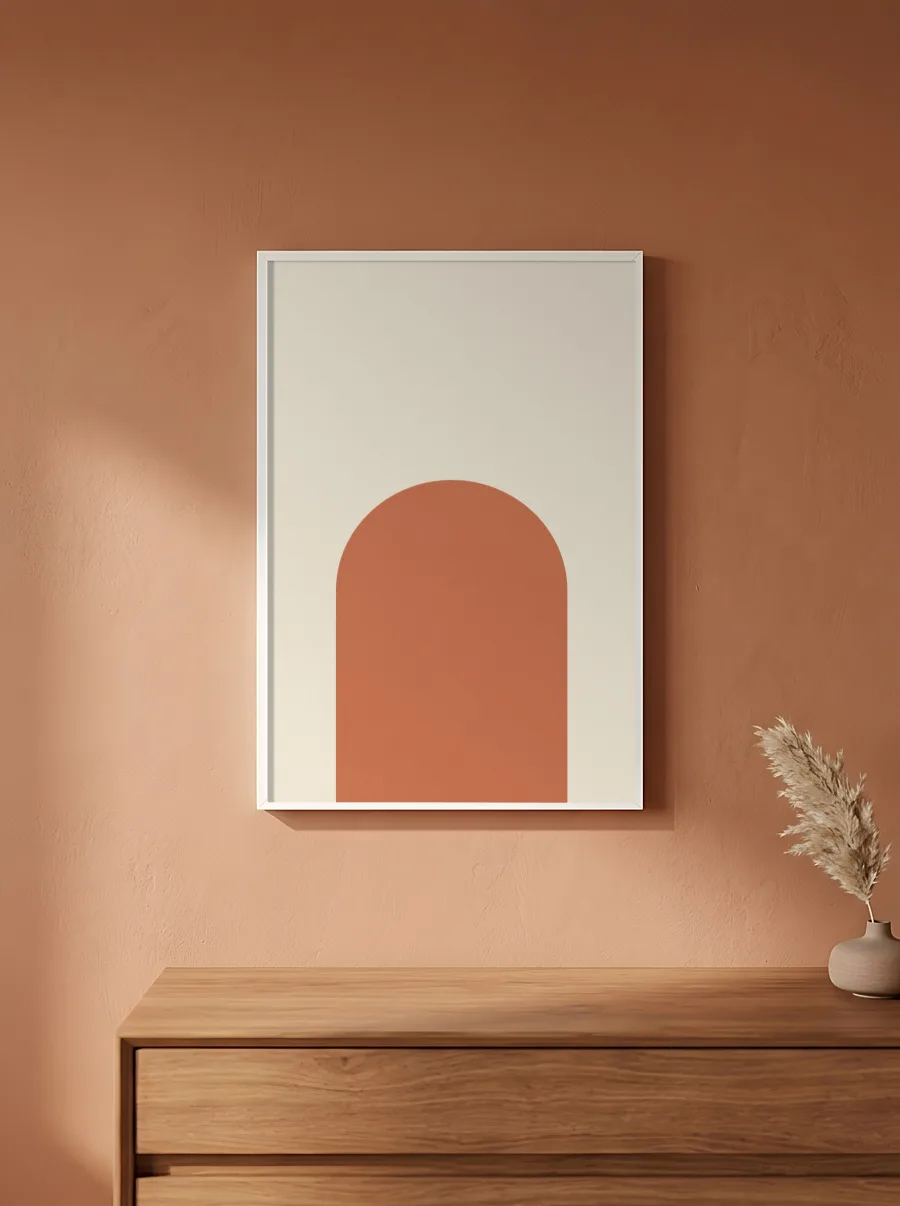 Entryway · white
Cropped to 4:5 here. See all 66 scenes in room mockups for digital prints.
Choose them if
Choose
Canva if
- You already pay for Canva Pro and want everything in one place
- You make social posts, banners or listing graphics with text around the mockup
- You need mockups of things other than wall art
Choose
Roomshot if
- Your work is flat wall art for Etsy
- You want the room scene and the 1:1, 4:5, 2:3 and 9:16 crops from one upload
- You do not want another subscription
The crop sizes are explained in Etsy listing photo sizes.
What it costs
3 free downloads, no card. Then Starter is $9 for 40 downloads, Shop is $24 for 150 and Studio is $59 for 500. No subscription, credits do not expire, and a failed render costs nothing. Full details on the pricing page.
FAQ
Are Canva mockups free? Canva has a free plan. Its help page limits custom mockup templates to paid plans. The pricing page does not say which plan includes standard mockups (checked 2026-10-20).
Is Smartmockups part of Canva? smartmockups.com redirects to canva.com/mockups. We did not verify a corporate relationship beyond that redirect.
Can I use Roomshot and Canva together? Yes. Download the Roomshot crops and add text or badges in Canva. More on the tool: Etsy wall art mockup generator.
If you already pay for Canva
Keep Canva for text, badges and brand work. If flat wall-art listings are most of what you make, add Roomshot for the room scenes and crops: try 3 free downloads and finish the design in Canva.