How to make a wall art mockup in Canva
By Jayden, Founder of Roomshot ·
In Canva, open the Mockups app, pick a frame mockup, select your uploaded print, and download the result. It works on the free plan if the template is marked "Free". Canva's help page lists the same path from the editor: Elements, then the Mockups category, then drag your image in (source, checked 2026-11-01).
The screenshots below come from one run on 30 Oct 2026, on a free Canva account, with a 2:3 print. Nothing was bought.
- 5steps in the editor
- US$0for a template marked "Free"
- 4000 pxwide PNG from the run
- Nonewatermark on the download
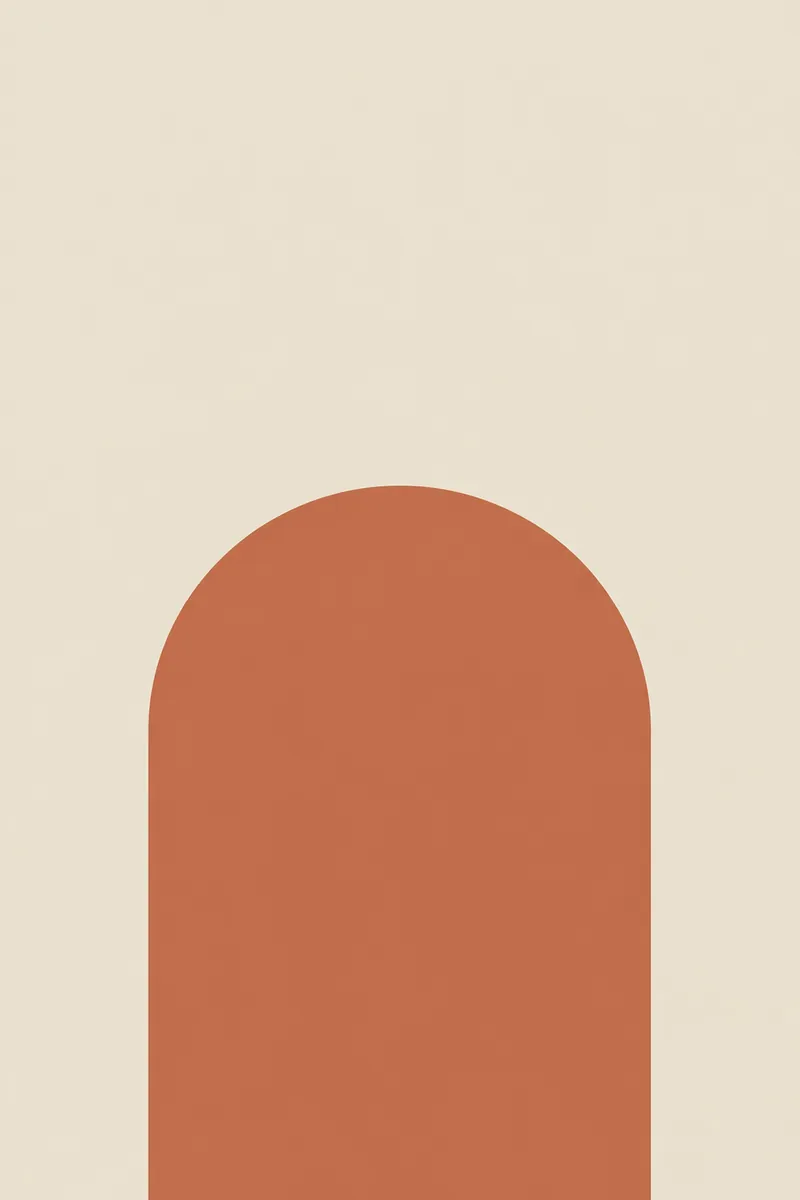 Before: the flat 2:3 print
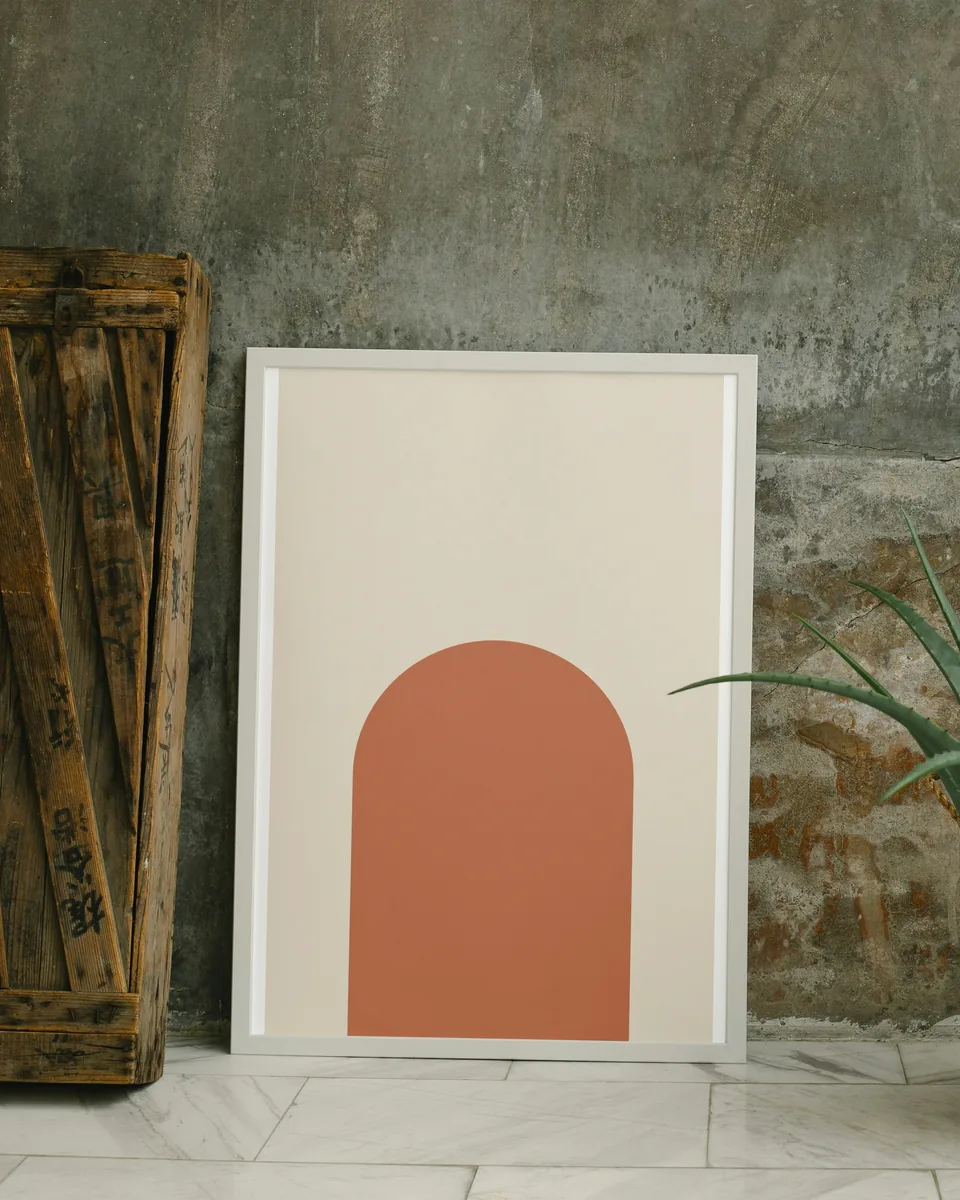 After: the free template's PNG, cropped from 4000 x 2666
The flat print and the free template's download from the 30 Oct 2026 run. The result is cropped to 4:5 here. The room scene belongs to Canva.
Steps
- Open the Mockups app. In the editor side panel, click Elements, select the search bar and choose the Mockups category. You can also open Apps and then Mockups.
- Search for a frame. Type "portrait frames" for a 2:3 or 3:4 print. Templates with a crown icon need a paid plan.
- Pick a template marked "Free". The template page shows "Free to use" and a Select button.
- Select your print. Click Select, then pick your file under Uploads, or click Upload files. Canva places the print in the frame.
- Download. In the Save image box, click Download. Or click Use in a design to add text and other images.
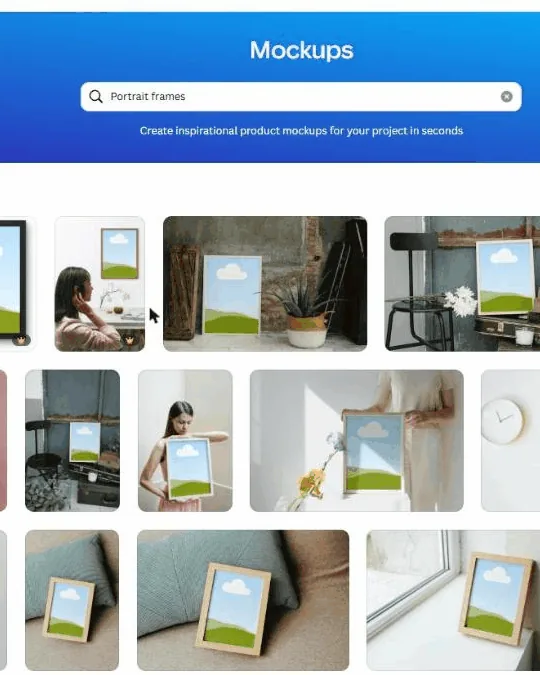 Mockups app, search "Portrait frames". A crown marks a paid template
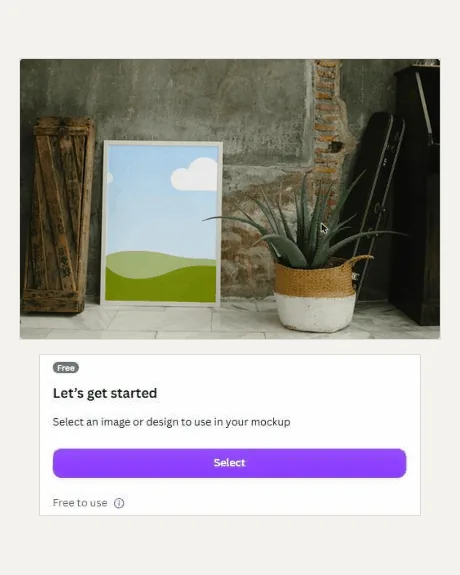 A template marked "Free", with the Select button
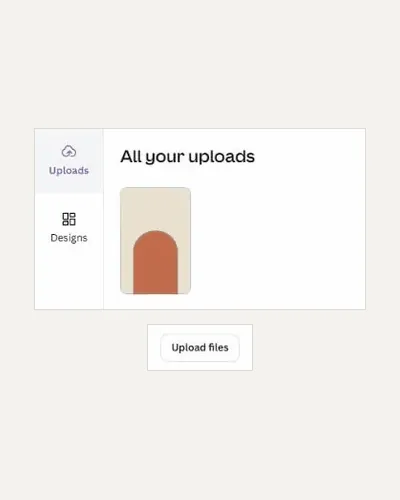 Select an image: your uploads, or Upload files
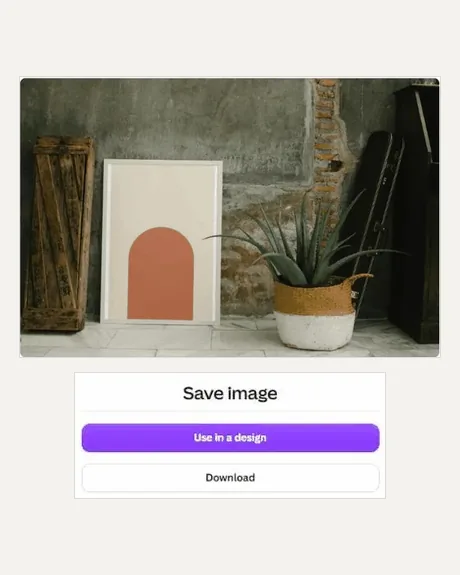 The print in the frame. Download or Use in a design
Screens from the run, cropped to the part you click. Steps 2 to 4 each join two parts of one screen. The room scene belongs to Canva. Click an image to see it larger.
What came out
The download was one PNG, 4000 x 2666 px (3:2), with no watermark. The template added a white inner border around the print, and the print sat flush at the bottom of the frame. It did not crop, stretch or recolour the print.
One template gives one scene in one shape. For an Etsy listing you crop the 1:1, 4:5 or 2:3 versions yourself. See Etsy listing photo sizes for which shape goes where.
Custom mockup templates need a paid plan: Pro, Teams, Enterprise, Education or Nonprofit. Premium photos do not work in custom mockups (source, checked 2026-11-01).
Can you sell what you make in Canva?
Canva's rule is that you can sell your own original designs, not Canva's content on its own (source, checked 2026-11-01). For a wall art seller, that means:
- Your print: if you made the artwork yourself and uploaded it, you can use it as you like. Canva says your own uploads can be used on their own.
- Canva elements in the print: a Canva graphic or photo with only a filter, a colour change, a crop or a border added counts as using it on its own. You cannot sell that as a print.
- Print products: posters and other print products are allowed when the design is original.
- Print on demand: allowed, unless the service requires you to own the copyright to everything in the design.
The full terms are in Canva's Content License Agreement (source). Read it if your print uses Canva elements.
When Canva is the wrong tool
- You need several listing shapes from one print. Each template gives one scene in one shape, so you export and crop each size yourself.
- You want many rooms for one print. You repeat the steps for each template.
- The free templates do not fit your frame shape. Several frame templates carry the crown and need Pro.
If you already pay for Canva Pro, it is a good place to start. See Roomshot vs Canva mockups for a side-by-side.
Where Roomshot fits (we make it)
Roomshot does one job: you upload one flat print and get a framed room mockup plus 1:1, 4:5, 2:3 and 9:16 crops, a detail crop and a caption in one zip. The crops are upscaled to 2000 px on the short side. Your print is placed, never redrawn.
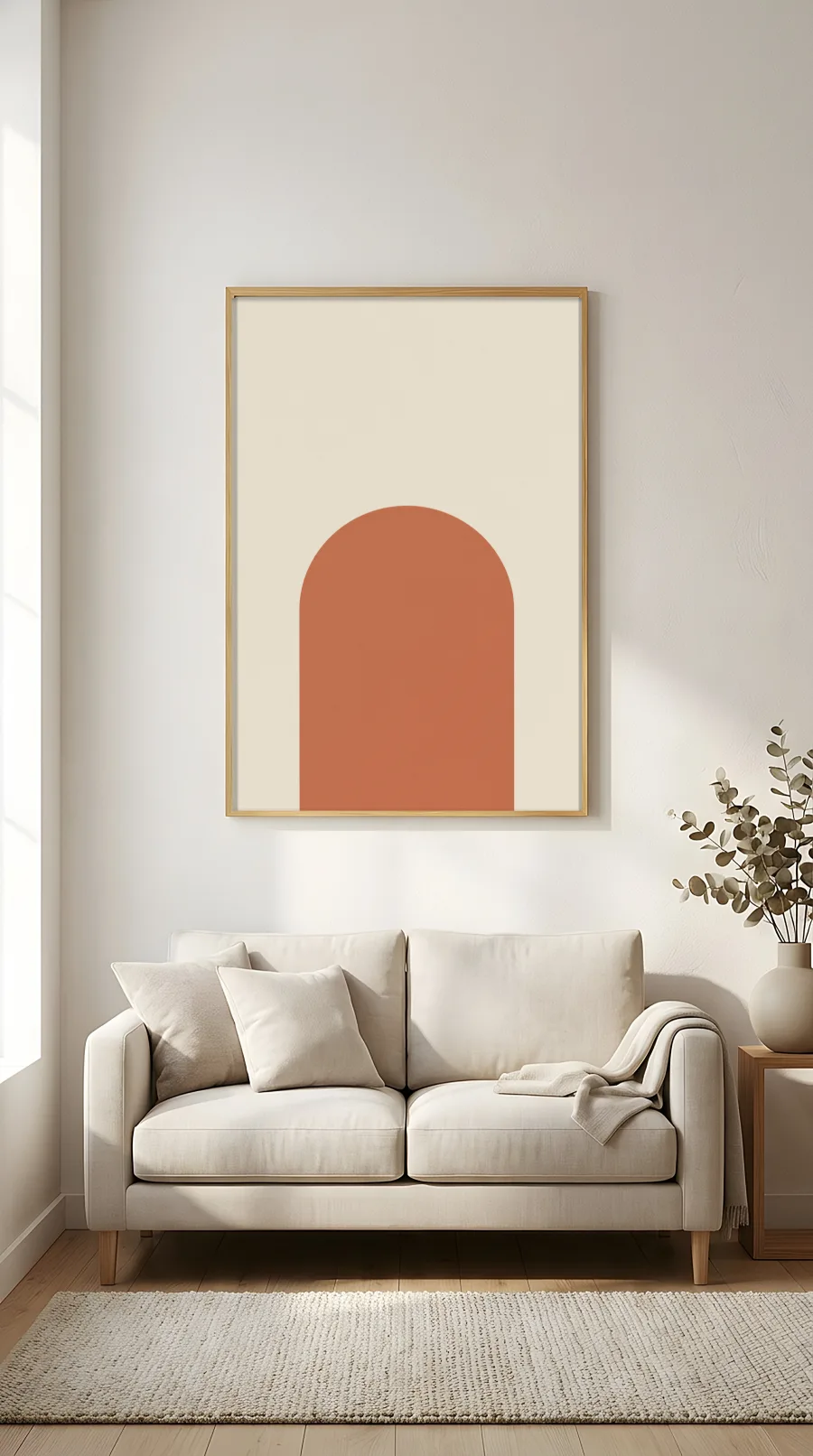 Living room · oak
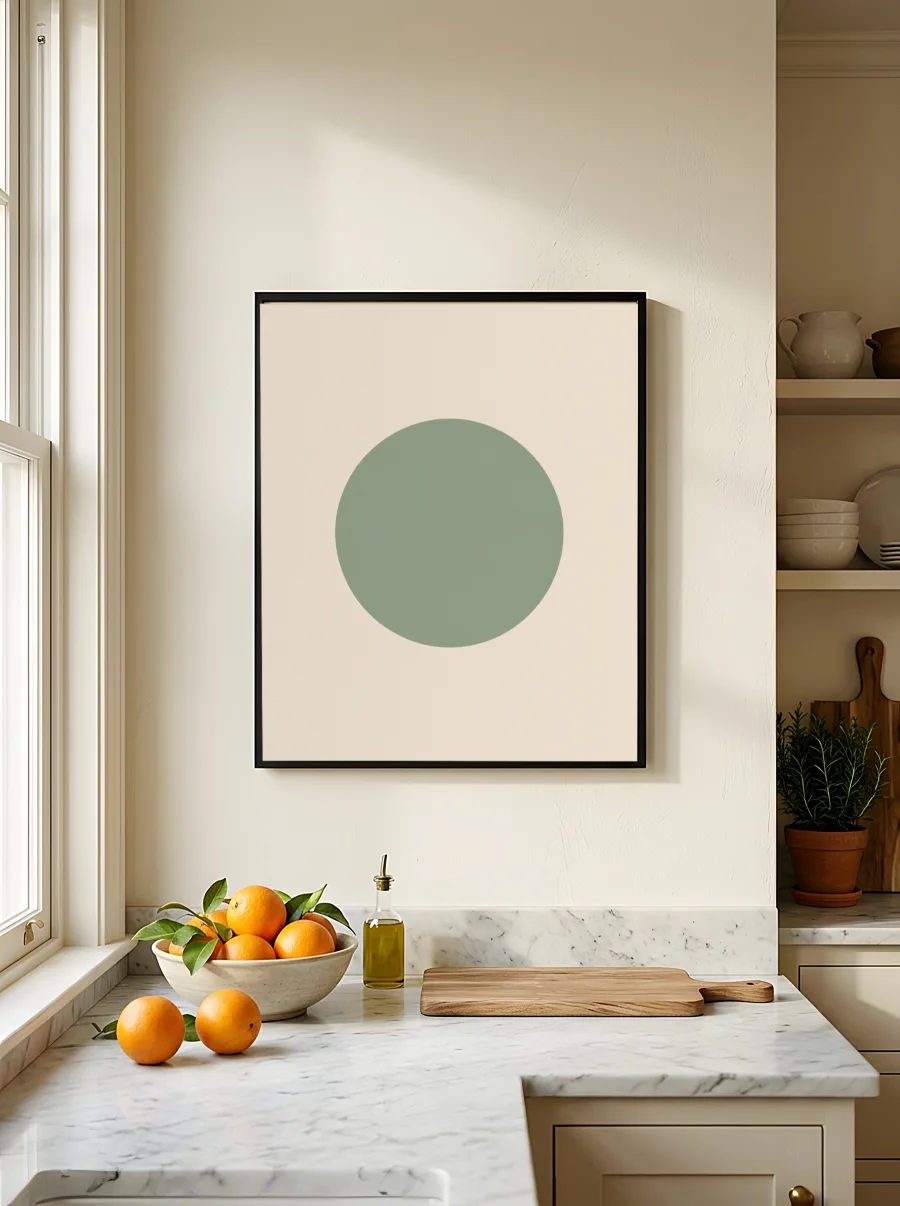 Kitchen · black
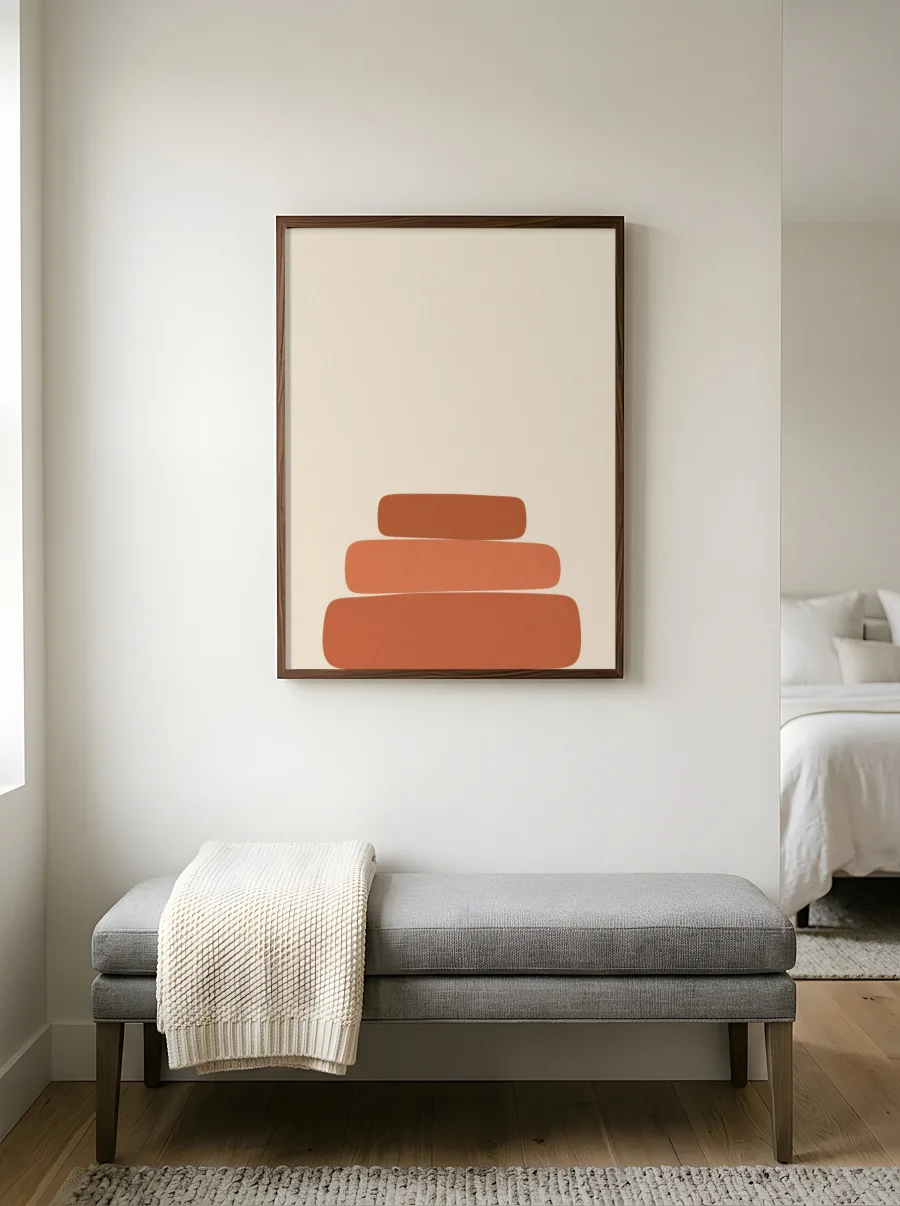 Bedroom · walnut
Cropped to 4:5 here. See all 66 scenes in room mockups for digital prints.
Canva8 steps
- Open a mockup
- Select the print
- Download
- Crop 1:1
- Crop 4:5
- Crop 2:3
- Make a close-up
- Write a caption
Roomshot3 steps
- Upload the print
- Pick a room
- Download the zip
The Canva row is the method when you export every size yourself. It is not a timed test of Canva.
What it costs
Canva Free is US$0 and Canva Pro is US$144 a year for one person (source, checked 2026-10-20).
For Roomshot: 3 free downloads, no card. Then Starter is $9 for 40 downloads, Shop is $24 for 150 and Studio is $59 for 500. No subscription, credits do not expire, and a failed render costs nothing. Full details on the pricing page.
FAQ
Can I make a wall art mockup in Canva for free? Yes, with a template marked "Free". Templates with a crown icon need a paid plan. The 30 Oct 2026 run on a free account gave a 4000 x 2666 px PNG with no watermark.
Where are mockups in Canva? In the editor, click Elements and choose the Mockups category. You can also use Apps > Mockups, or Edit > Apps > Mockups in the photo editor.
Can I sell prints that I mock up in Canva? You can sell your own original artwork. You cannot sell Canva's own graphics or photos as a print, even with a filter, colour change, crop or border. See Canva's help page on products for sale.
Does Canva export Etsy listing sizes? A mockup template gives one scene in one shape. You crop the other sizes yourself.