Best mockup tools for Etsy wall art sellers
By Jayden, Founder of Roomshot · · Updated
For a wall-art seller, our ranking of the independent tools is: 1. SnapToSize, 2. WallMockup, 3. Canva, 4. a PSD smart-object set, 5. Placeit. The two tools built for room scenes come first. The general design tools come after them. The right pick still depends on your volume and the tools you already pay for.
We make Roomshot, so Roomshot is not in the ranking. It has its own section after the list, "Where Roomshot fits". Every price below has a source and the date we checked it.
What matters for wall-art listings
Etsy buyers cannot hold the print. Your photos do the selling. Four things decide whether a tool helps:
- Scene. Does the print look like it hangs in a room?
- Fit. Does the print sit inside the frame, with no mat or gap you did not intend?
- Crops. Can you get 1:1, 4:5, 2:3 and 9:16 versions without redoing the work? See Etsy listing photo sizes.
- Steps and cost per listing. A flat fee, a credit, or your own time.
One more check: the tool should not redraw your art. Compositing tools put your original file into a scene. Generative image models redraw the picture, and that can change your print. See Do AI mockups change my artwork?.
How we evaluated
- Criteria, in this order: (1) built for wall art in room scenes, (2) listing crops without redoing the work, (3) cost to start and to keep going, with a free or one-off option ranked above a subscription. A tool that redraws your art would fail outright. None of the five is a generative image model.
- Evidence: each tool's own pricing and product pages, read on 2026-10-20. Each fact links its source page. "Not stated" means we did not find it on the page we read.
- One-print run: on 2026-10-30 we put the same print through each tool, up to the download. The results and screenshots are in the next section.
- Disclosure: we make Roomshot. It is left out of the ranking and described separately after it.
The one-print run, 30 Oct 2026
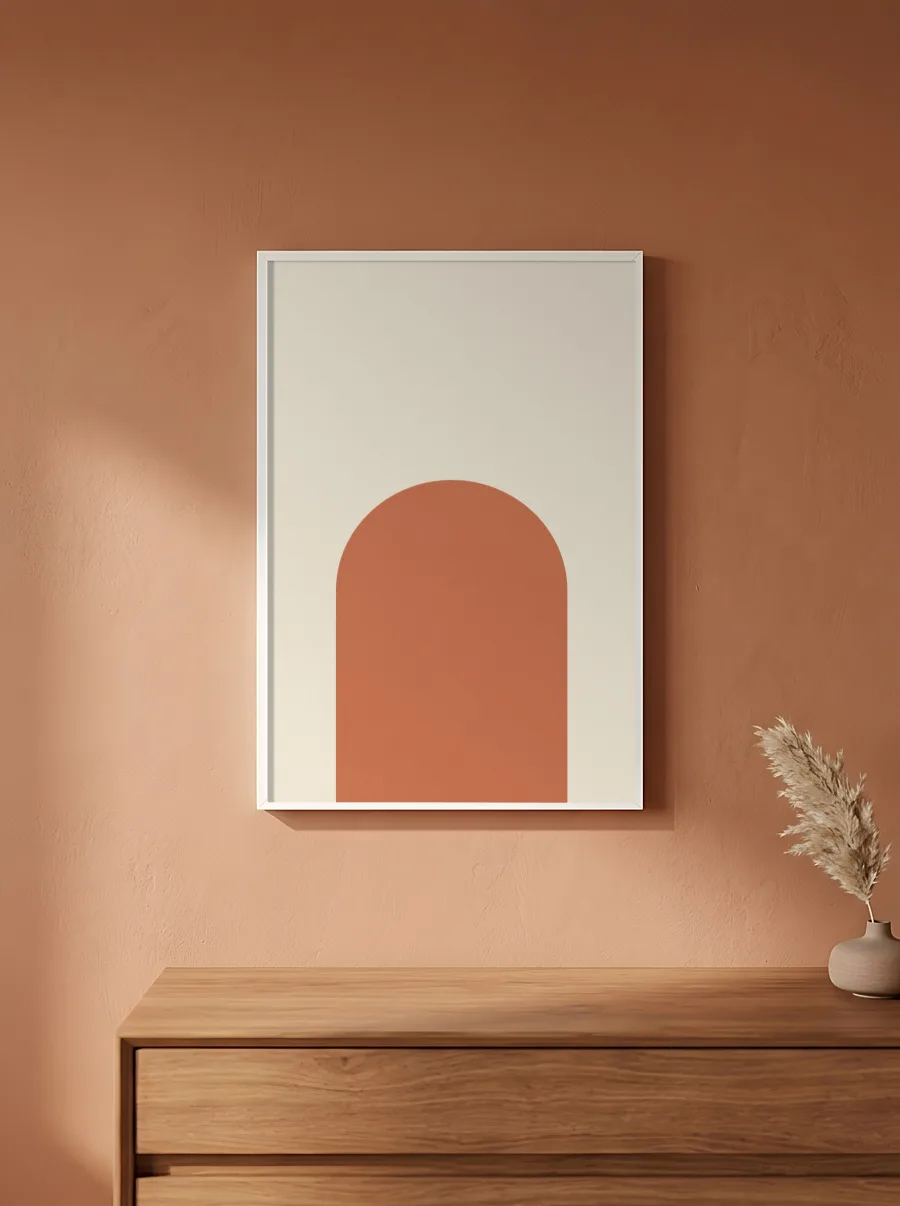
The print: a terracotta arch on cream, 1600 x 2400 px, 2:3. We used free plans and trials only and bought nothing. For Placeit and the PSD set we stopped at the payment step, so those two have no final file.
| Tool | Access used | Steps to a file | What came out |
|---|---|---|---|
| SnapToSize | Free, no account | 7 | A pack of 10 rooms, 2000 x 2000 px squares, no watermark |
| WallMockup | 7-day trial, signed in | About 9 | One room, 1800 x 2400 px (3:4), black frame. Export as full room or art close-up, at 1x, 2x or 4x |
| Canva | Free plan, signed in | About 10 | One leaning-frame scene, 4000 x 2666 px (3:2). Template marked "Free", no watermark |
| PSD set | Store page only | Not run | Needs the $17 licence and Photoshop. The file is 4000 x 5000 px with A-series (DIN A) frames, not 2:3 |
| Placeit | Free account | 8, to the paywall | Watermarked preview. Download: $7.95 for this mockup, or unlimited from $7.47 a month billed yearly |
What we saw:
- No tool cropped, stretched or redrew the print. All three files that came out show the full arch.
- Crops: each tool gave one shape per scene: square, 3:4 or 3:2. None gave a set of listing crops (1:1, 4:5, 2:3, 9:16) in one download.
- Fit: the Canva template draws a white border inside the frame. The other two place the print to the frame edge.
- The PSD set has A-series openings. A 2:3 print does not fill them without a crop or a gap.
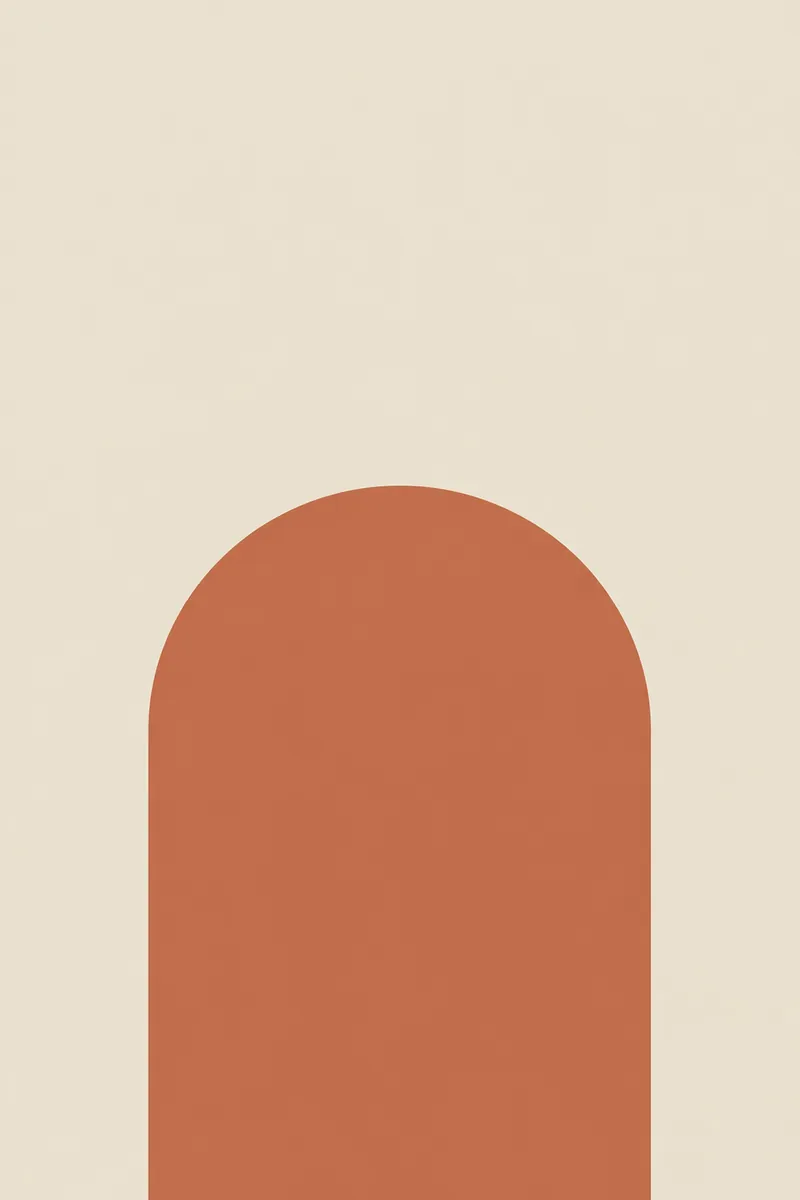 The test print, 2:3
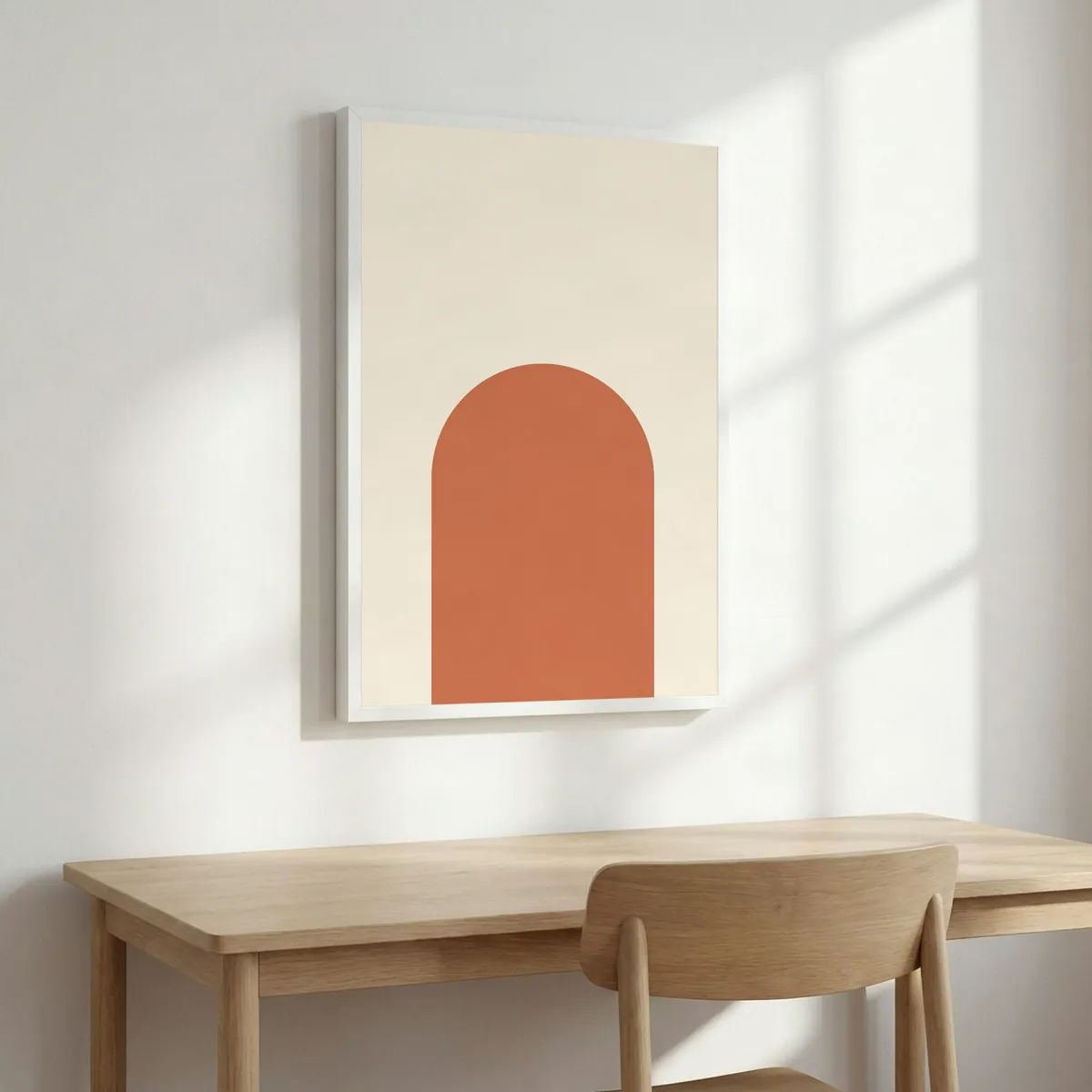 SnapToSize, free pack, 2000 x 2000
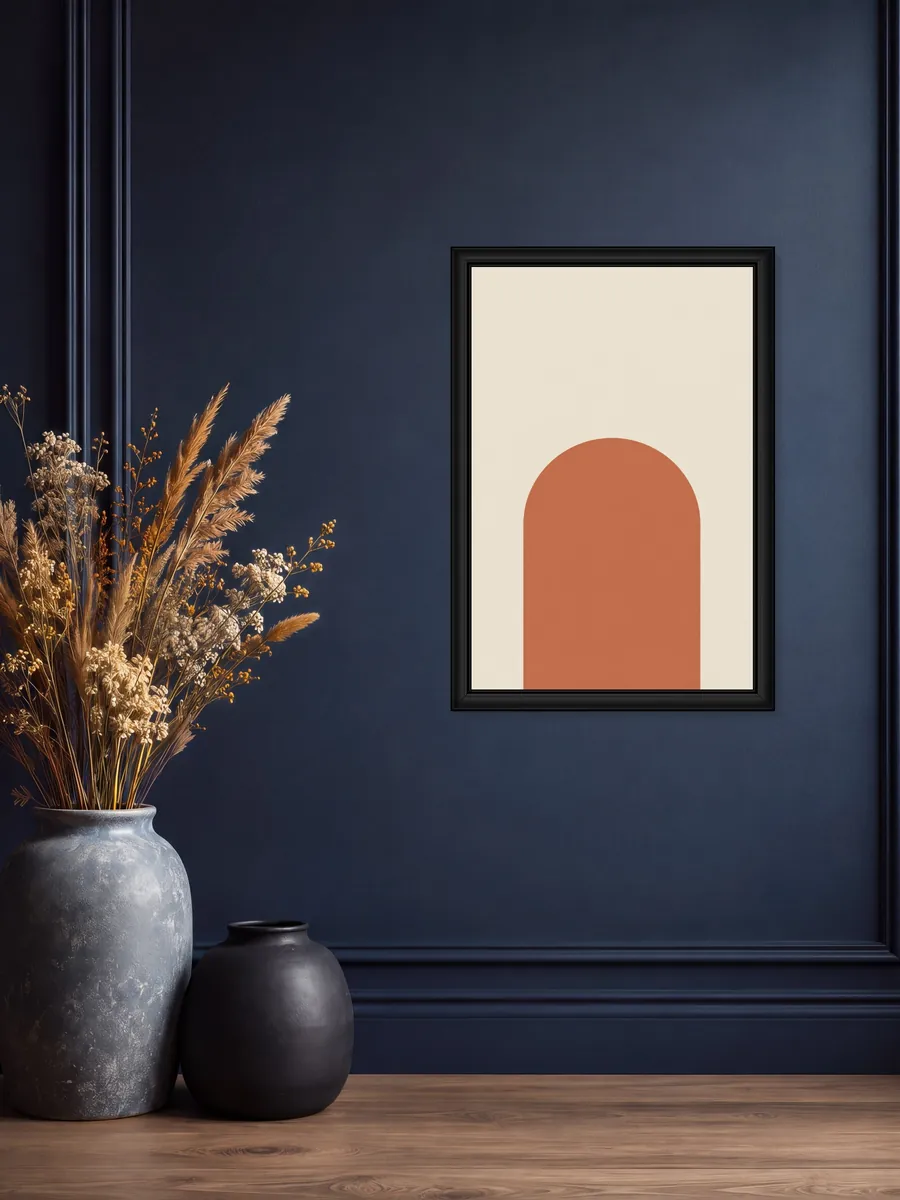 WallMockup, trial export, 1800 x 2400
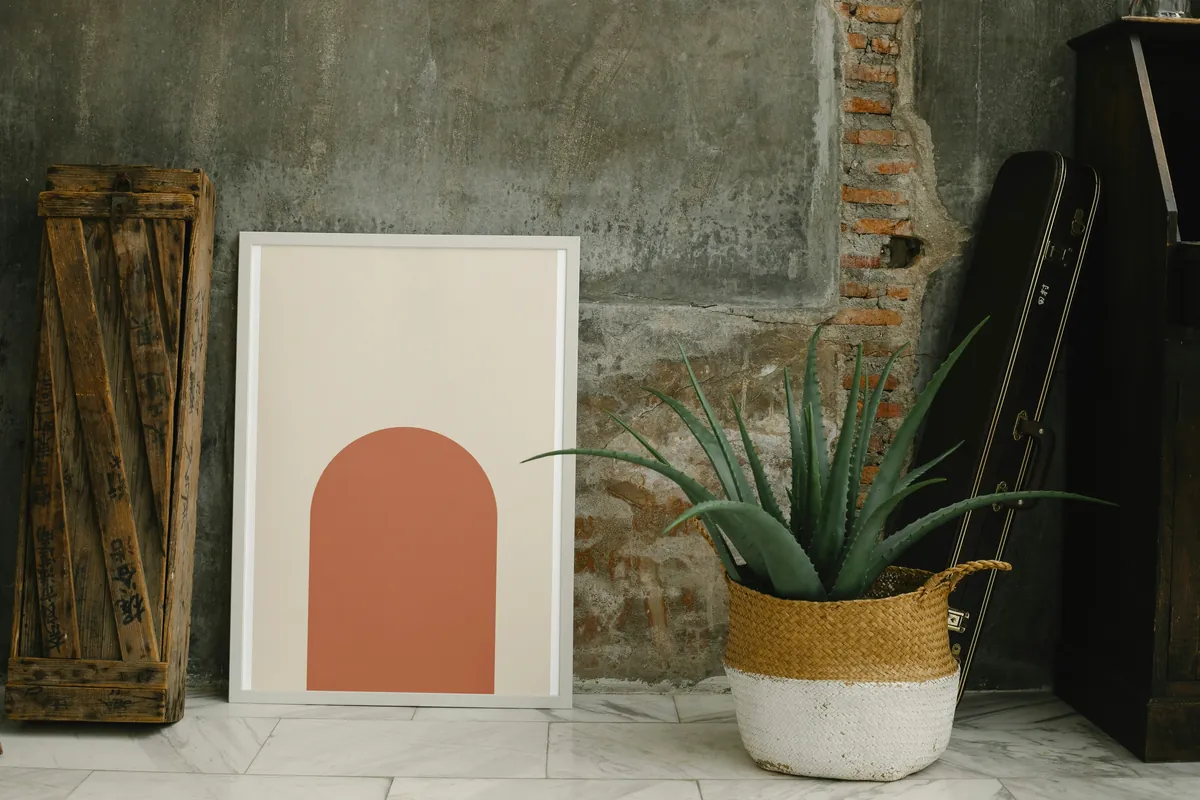 Canva, free template, 4000 x 2666
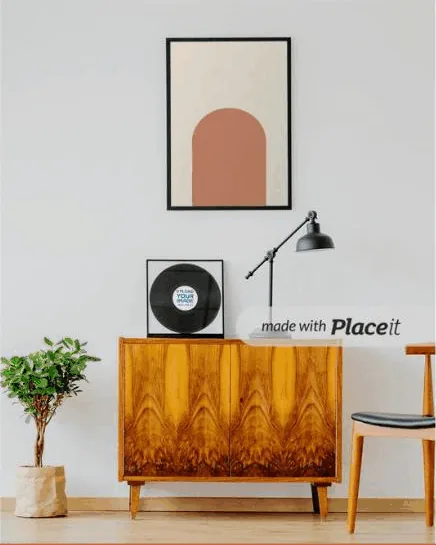 Placeit, watermarked preview before payment
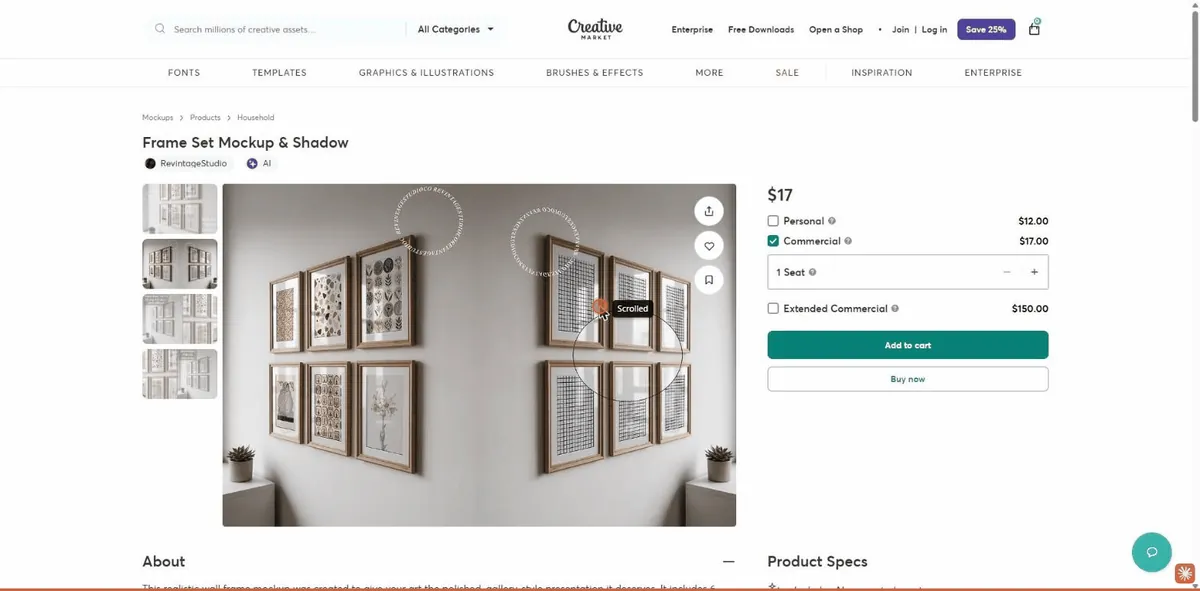 PSD set store page, not bought
Screenshots and output files from the run, reduced for the web. Each image belongs to its tool. Click an image to see it larger.
The ranking
1. SnapToSize
Free plan at $0 with no time limit and no card. The first pack is 10 rooms, then 3 rooms per run, at 300 DPI with no watermark. Pro is $14.99 a month or $97 a year. Max is $24.99 a month or $159 a year (source, checked 2026-10-20).
Why #1: it is built for room scenes and has the only free plan with no time limit among the room tools. Listing crops: none in our run; the free pack held 2000 x 2000 squares. See Roomshot vs SnapToSize.
2. WallMockup
A room mockup service. Its homepage lists a 7-day free trial with no card, a Creator pack at $5.99 one-time for 100 credits, and Pro at $4.99 a month for 10 credits a month with unlimited exports in PNG, JPG and WEBP (source, checked 2026-10-20).
Why #2: it is built for room scenes and has a one-time pack, but its free start is a 7-day trial, not a standing free plan. Listing crops: none in our run; each export is one room shape (3:4 for the room we used) or an art close-up. See Roomshot vs WallMockup.
3. Canva mockups
A design editor where you drag your own image into a mockup (source, checked 2026-10-20). Free is US$0 a year and Pro is US$144 a year for one person (source, checked 2026-10-20). Custom mockup templates need a paid plan, per the help page. Smartmockups now redirects to canva.com/mockups (source, checked 2026-10-20).
Why #3: a free plan and an editor many sellers already use, but it is a general design tool, not a room-scene tool. We found no listing crops on the mockups page, and our run gave one 3:2 scene. See Roomshot vs Canva mockups.
4. PSD smart-object frame sets
You buy a Photoshop file and place your print in a smart object yourself. One example is a six-frame set on Creative Market with a Commercial licence at $17 (Personal $12, Extended Commercial $150) that lists Photoshop CC as the requirement (source, checked 2026-10-20).
Why #4: you own the file and pay once, and you control every pixel. By the nature of the method, you need Photoshop, you replace the image in each scene, and you export every crop yourself. On 2026-10-30 the prices were the same, and the listing gives the frames as A-series (DIN A), not 2:3.
5. Placeit
A template library covering mockups, logos and video templates (source, checked 2026-10-20). Price from $7.47 a month on the monthly toggle, $8.33 a month billed annually, with a one-month minimum if you download a template (same source and date).
Why #5: the widest product range, but a download costs money, and listing crops are not stated. On 2026-10-30 the download screen offered this one mockup for $7.95, or unlimited from $7.47 a month billed yearly. It suits sellers of mugs, apparel or logos more than wall art alone. See Roomshot vs Placeit.
Quick comparison
| Rank | Tool | Price model | Best for |
|---|---|---|---|
| 1 | SnapToSize | Free, or $14.99/mo and up | Rooms in bulk, free tier |
| 2 | WallMockup | $5.99 pack or $4.99/mo | Cheap trial of room mockups |
| 3 | Canva | Free or US$144/yr Pro | Sellers already in Canva |
| 4 | PSD set | One-off, $17 Commercial (example) | Photoshop users who want full control |
| 5 | Placeit | $7.95 per mockup, or from $7.47/mo | Many product types |
| Not ranked | Roomshot (ours) | Pay per download, credits do not expire | Etsy wall art with the full set from one upload |
What each tool states on its own pages, checked 2026-10-20, with the crops column from the one-print run on 2026-10-30. "Not stated" means we did not find it on the page we read.
| Tool | Free start | No subscription needed | Listing crops in one download | Other products |
|---|---|---|---|---|
| 1. SnapToSize | ✓ Free plan, no card | ✓ Free plan | — Squares only in our run | Not stated |
| 2. WallMockup | ✓ 7-day trial, no card | ✓ $5.99 one-time pack | — One room shape per export | Not stated |
| 3. Canva | ✓ Free plan | ✓ Free plan | — One 3:2 scene in our run | ✓ General design editor |
| 4. PSD set | — | ✓ One-off purchase | — You export each size | — |
| 5. Placeit | ✓ Free account, watermarked preview | ✓ $7.95 for one mockup | Not stated | ✓ Mockups, logos, video |
| Roomshot (ours, not ranked) | ✓ 3 free downloads, no card | ✓ Packs from $9 | ✓ 1:1, 4:5, 2:3, 9:16, close-up, caption | — Wall art only |
Choose them if
- Choose SnapToSize or WallMockup if you want a free or low-cost trial of room mockups. Run your own print through first.
- Choose Canva if you already pay for Pro. The mockups sit in the editor you use.
- Choose a PSD set if you own Photoshop and want a one-off purchase you control.
- Choose Placeit if you sell mugs, apparel or logos as well as prints.
Where Roomshot fits (we make it)
Roomshot is our product, so we do not rank it against the tools above. This is what it does and who it suits.
Upload one flat print once. Roomshot puts it into a photorealistic framed room by geometric warp and returns a mockup, 1:1, 4:5, 2:3 and 9:16 crops, a detail crop and a caption in one zip, in seconds. It does not regenerate the artwork. It does match brightness and white point to the room, trims baked white margins by default and may crop to the opening, so it is not a pixel copy.
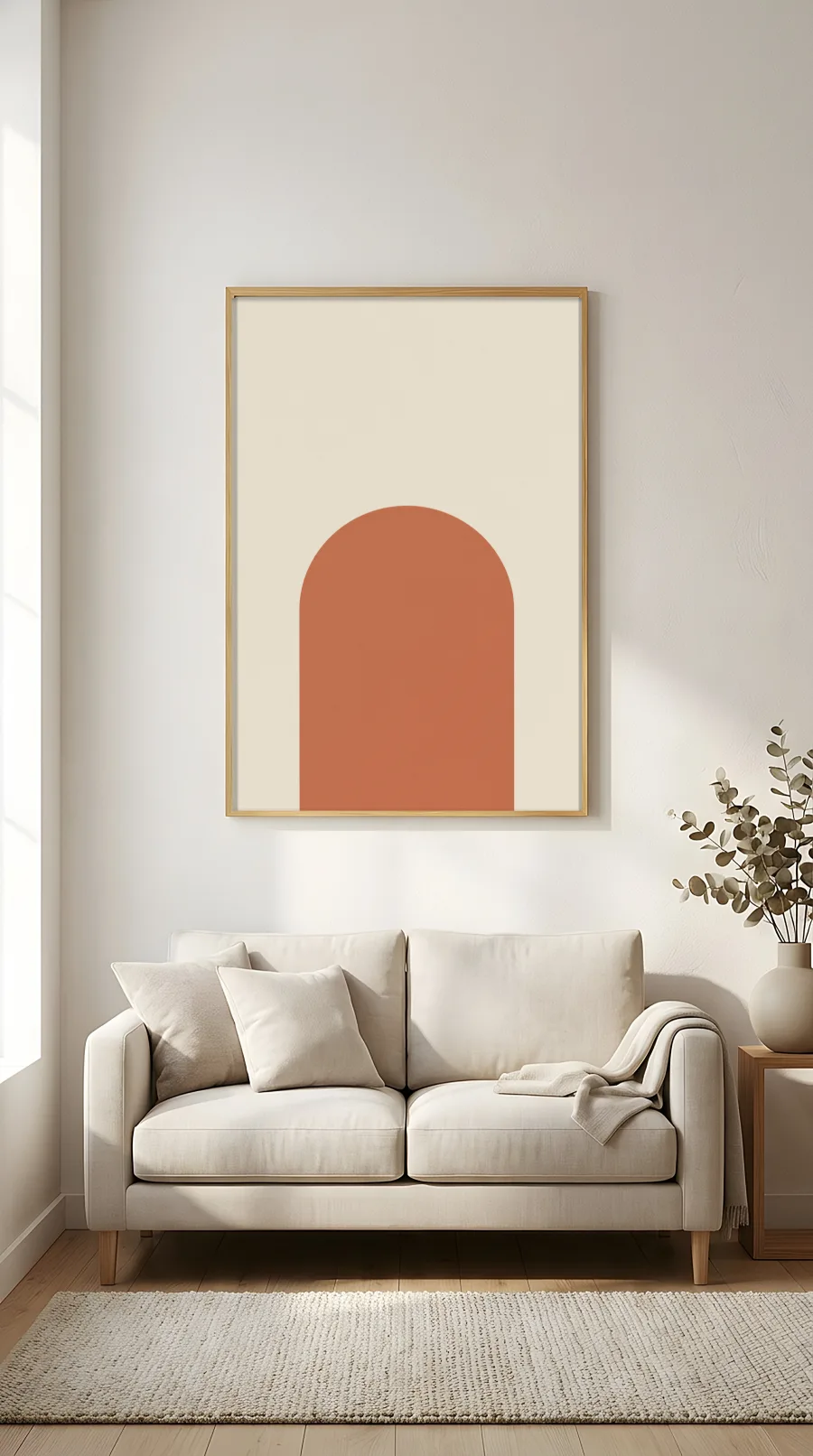 Living room · oak
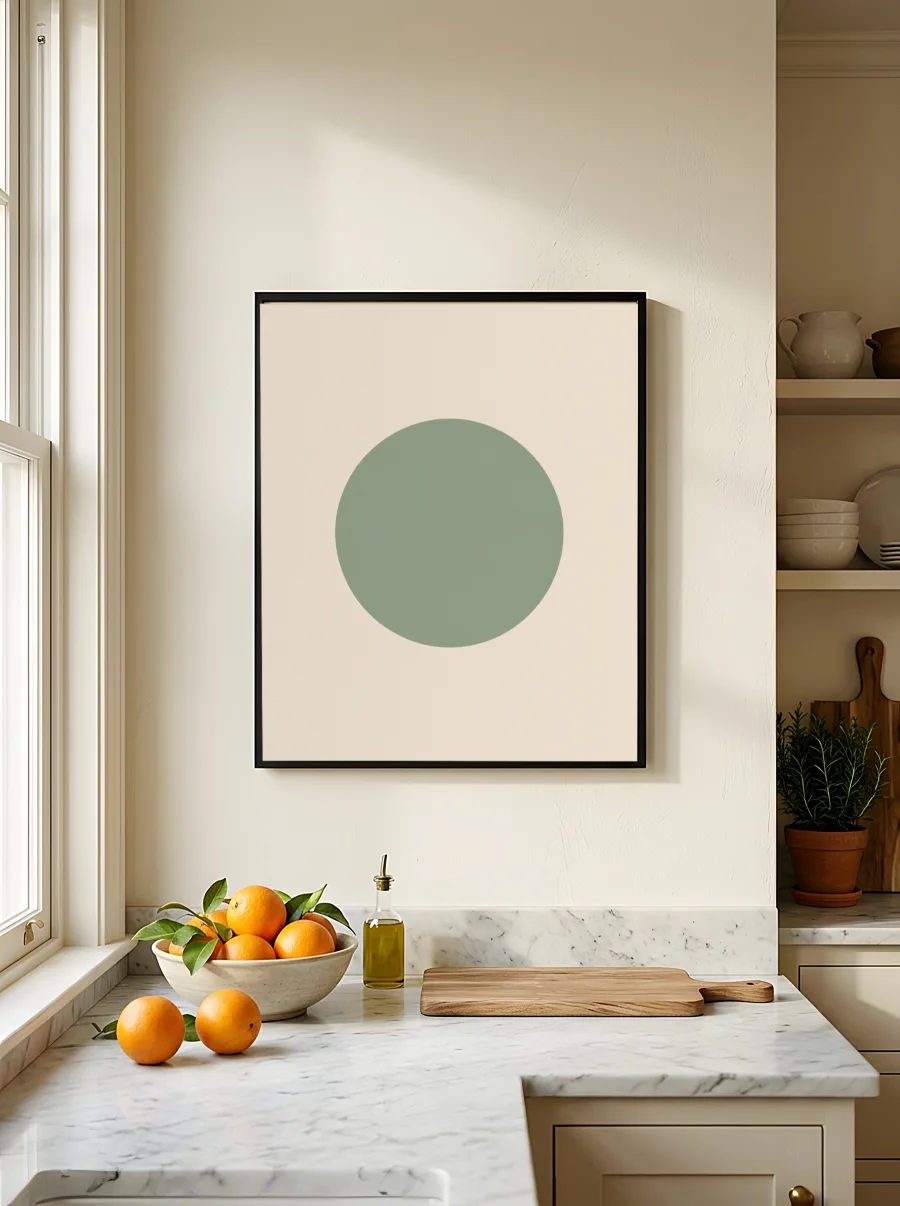 Kitchen · black
 Entryway · white
Cropped to 4:5 here. See all 66 scenes in room mockups for digital prints.
The method decides most of the work. These are the steps for one listing set when you make every size yourself, against one Roomshot upload:
- Photoshop PSD set8 steps
- Template tool8 steps
- Generative prompt8+ steps
- Roomshot3 steps
Counts describe each method, not a timed test of a named tool. The generative count grows each time a check fails and you generate again.
It suits sellers of flat wall art on Etsy who want the room scene and every crop from one upload. It does not suit you if you sell other products: it is wall art only. See Room mockups for digital prints and the Etsy wall art mockup generator.
What it costs
Roomshot: 3 free downloads, no card. Then Starter is $9 for 40 downloads, Shop is $24 for 150 and Studio is $59 for 500. No subscription, credits do not expire, and a failed render costs nothing. Full details on the pricing page. The other tools' prices are in the ranking above, each with its source and date.
FAQ
What is the cheapest way to make Etsy wall art mockups? A PSD set at $17 is cheap if you own Photoshop. Free tiers exist at Canva and SnapToSize. Roomshot gives 3 free downloads. The cheapest option is the one you already pay for.
Do I need a mockup for every listing? Etsy listings sell on photos, so most sellers make at least one room scene per print. Add crops sized for Pinterest and Instagram. See Frame mockups for printables.
Will a mockup tool change my artwork? Compositing and template tools put your original file into a scene. Generative image models can redraw it. Zoom to 400 percent on text and edges before you publish.
Why is Roomshot not in the ranking? We make it. A publisher that ranks its own product first gives you no independent view, so we rank the other tools by stated criteria and describe Roomshot separately.
Your next step
Pick the tool that matches your volume, then run one real print through it before you commit. If you sell flat wall art and want the room scene and every crop from one upload, try Roomshot free: your first 3 downloads cost nothing.