Room mockup generators compared: 3 methods
By Jayden, Founder of Roomshot · · Updated
Room mockup tools fall into three methods: templates you fill, prompts that generate a new picture, and placement of your original file on a pre-made scene. The method decides what you control, what can go wrong, and how many steps each listing takes. Prices and features below are sourced and dated.
Roomshot uses the third method: you upload one flat print once, and in seconds you get framed room mockups plus the 1:1, 4:5, 2:3 and 9:16 crops, a detail crop and a caption in one zip. We make Roomshot, so weigh our view with that in mind.
The question
A buyer sees your mockup before they see your file. If the mockup shows a different print, you have a refund request waiting. So the useful questions are: does the print in the room match the print I sell, and how many steps is it per listing?
Three things can go wrong with a print in a mockup:
- Pixels change. Edges soften, colours shift, fine lines vanish or appear.
- Shape changes. The print is cropped, stretched or padded.
- Text changes. A letter is wrong. This is the worst case for prints with words.
Here are the three methods at a glance, as the steps for one listing set when you make every size yourself:
Template tool8 steps
- Pick a template
- Upload the print
- Place the print
- Export 1:1
- Export 4:5
- Export 9:16
- Make a close-up
- Write a caption
Generative prompt8 steps
- Write a prompt
- Generate
- Check at 400% zoom
- Crop 1:1
- Crop 4:5
- Crop 9:16
- Crop a close-up
- Write a caption
Placement (Roomshot)3 steps
- Upload the print
- Pick a room
- Download the zip
Counts describe each method, not a timed test of a named tool. A Roomshot render takes 2.2 to 3.2 seconds with the listing pack (engine run, 2026-10-20).
Method 1: template smart-object tools
You pick a template, drop your image onto its placeholder, and export. Placeit is a template library covering mockups, logos and video templates (source, checked 2026-10-20). Canva lets you drag your own image into a mockup inside its design editor (source, checked 2026-10-20). Photoshop smart-object sets work the same way, with you doing every export. smartmockups.com now redirects to canva.com/mockups (source, checked 2026-10-20).
Steps per listing: by the nature of the method, you pick a template for each scene, replace the image in it, and export each size you need. For a gallery of several scenes and several crops, that is repeated per scene and per size. Canva lists no listing-crop zip on its mockups page (source, checked 2026-10-20).
Strengths: large template choice, familiar editors, and for Canva or Photoshop the chance to add text and badges around the mockup.
Price: Placeit offers monthly or annual subscriptions and individual purchases (subscription help, single-purchase help, reviewed 2026-11-03). Check the selected asset and current pricing for the billing total. Canva is free at US$0 a year or Pro at US$144 a year for one person, and custom mockup templates are limited to paid plans (pricing, help page, checked 2026-10-20).
Method 2: generative prompts
You give an image-generation model your print and a prompt such as "put this in a living room". The model draws a new picture. Your print is an input, not a layer, so the model decides how much of it survives. Each run also invents a new room, frame and wall, which makes a consistent set of listing photos harder.
Steps per listing: write a prompt, generate, check the result at high zoom, and repeat until it is right. You make the crops yourself.
Strengths: unlimited scene variety, and no template to find.
Trade-offs: the print can be redrawn, and fine text and thin lines are the places to look. See Do AI mockups change my artwork?.
Price: per image and usually low. For one example, fal.ai lists fal-ai/nano-banana at $0.039 per image (source, checked 2026-10-20). That is a list price, not a statement about output.
Method 3: placement on a pre-made scene
Roomshot works from a fixed library of photorealistic framed room scenes, made ahead of time. In plain words: it finds the opening in the frame, then stretches and tilts your image to fit that shape, like a flat sheet seen at an angle, and grades it to the room's light. Nothing is generated when you upload, and the print is placed, never redrawn.
Steps per listing: upload one flat print and download the zip. The framed room mockup, the 1:1, 4:5, 2:3 and 9:16 crops, the detail crop and the caption come back together, in seconds.
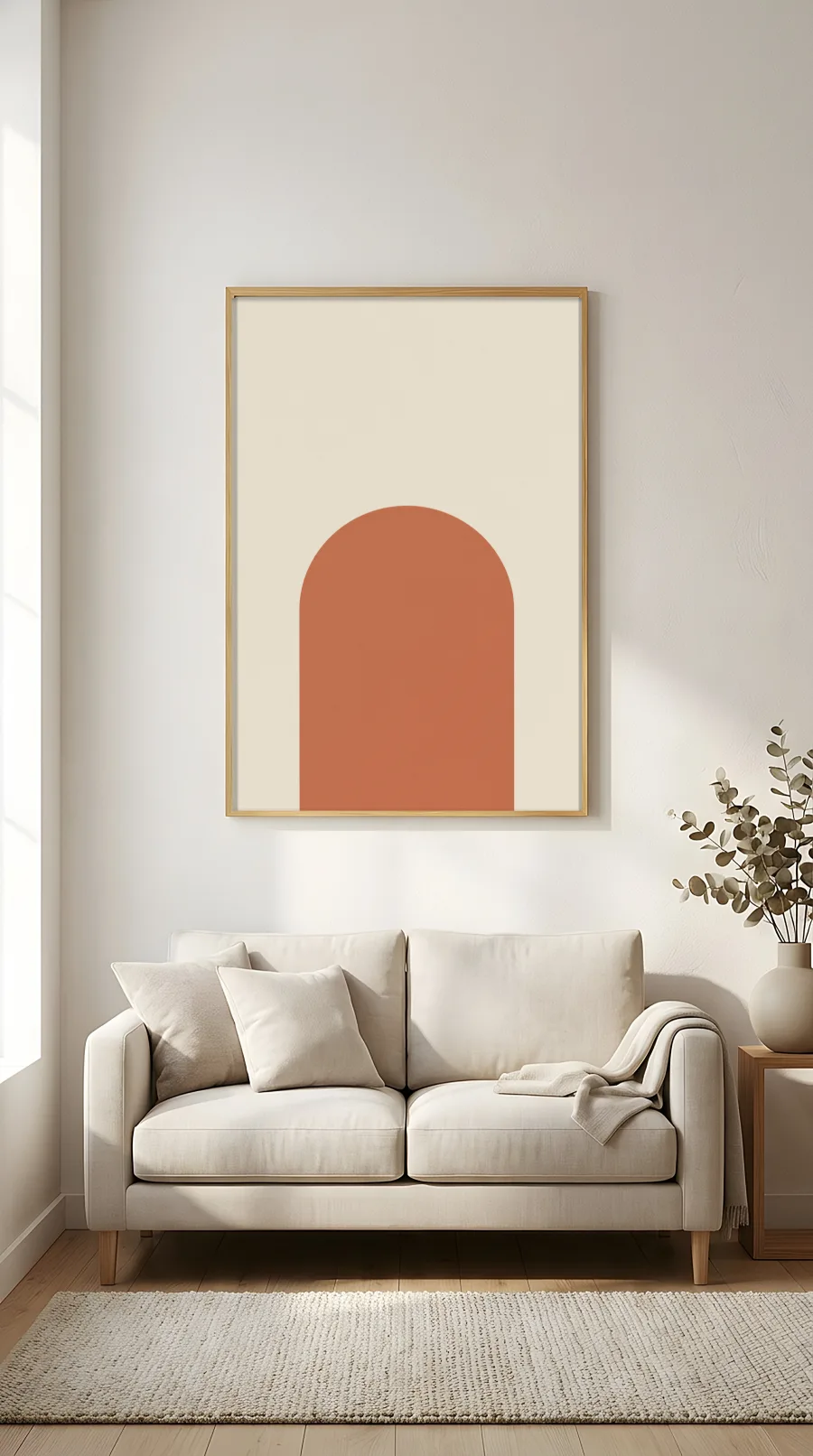 Living room · oak
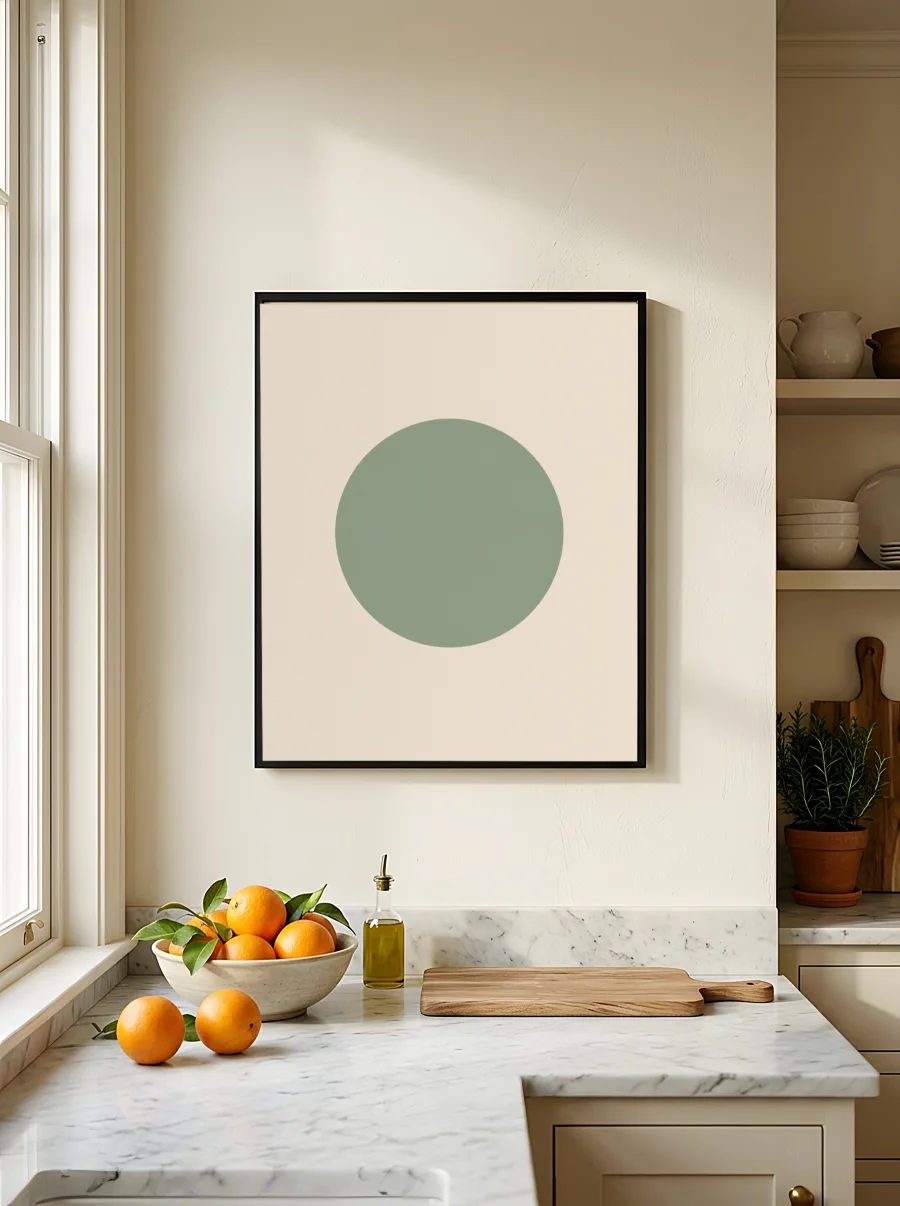 Kitchen · black
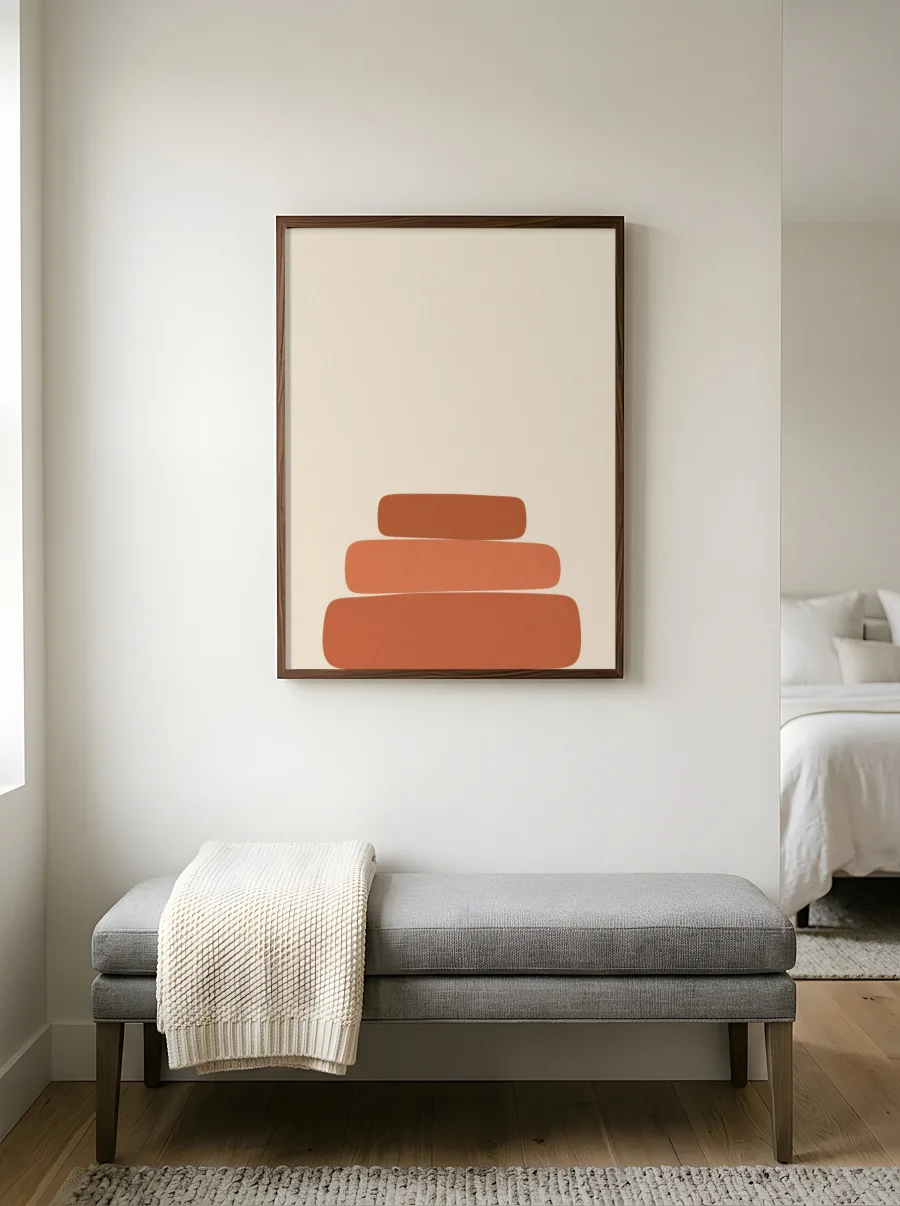 Bedroom · walnut
Cropped to 4:5 here. See all 66 scenes in room mockups for digital prints.
Strengths: a consistent scene library, a print fitted to the frame's inner edge so no mat shows unless the scene has one, and the whole listing set from one upload.
Trade-offs: wall art only, and a fixed set of scenes. A mockup is not a pixel copy of your master: Roomshot scales and may crop the print to the opening, trims baked white margins by default, and matches brightness and white point to the room. Your master file is untouched.
The methods side by side
| Template tools | Generative prompts | Placement on a scene (Roomshot) | |
|---|---|---|---|
| What happens to your file | Placed on a template placeholder | Used as input to a model that draws a new image | Warped into a pre-made scene and graded to its light |
| Steps per listing | Pick a template per scene, replace the image, export each size | Prompt, generate, check, repeat; crops by hand | Upload once, download one zip |
| Scene | Template library | New room every run | Fixed library of photorealistic scenes |
| Listing crops | Depends on the tool; Canva lists no crop zip | You make them | 1:1, 4:5, 2:3, 9:16, detail and caption in one zip |
| Price model | Subscriptions or individual purchases (Placeit); free or paid plans (Canva) | Per image, for example $0.039 | Pay per download, from $9 for 40 |
What each method risks for your print:
| Risk | Template tools | Generative prompts | Placement (Roomshot) |
|---|---|---|---|
| Pixels change | No: your file is placed, not redrawn | Yes: the model draws a new image | No: your file is placed, then graded to the room light |
| Shape changes | Depends on the placeholder | The model decides | Cropped to the opening, never stretched |
| Text changes | No | Possible: check every letter | No |
| Same result twice | Yes, same template | No, a new room every run | Yes, fixed scene library |
Choose them if
- Choose Roomshot if you sell flat wall art on Etsy, Shopify or your own site, want the print placed and not redrawn, and want the crops (1:1, 4:5, 2:3, 9:16, detail, caption) in one download. See the Etsy wall art mockup generator and Etsy listing photo sizes.
- Choose Placeit if you also make mockups for apparel, logos or video, or you want a flat monthly fee for high volume. Placeit is the better pick for anything that is not wall art.
- Choose Canva mockups if you already pay for Canva Pro. The mockups sit in the editor you use, and you can add text and badges around them.
- Choose a generative model if you want a concept image or mood board and the exact print does not matter. Do not use it for the photo of a product you sell without zooming in on the result.
More options are in Best mockup tools for Etsy wall art sellers. Head-to-heads: Roomshot vs Placeit and Roomshot vs Canva mockups.
Check any tool yourself
- Render one print with text and one with fine lines.
- Zoom to 400 percent on the print edge and the lettering.
- Put the same crop of your master file next to it.
- Check a flat colour area for tone shifts.
- Decide whether you would ship that photo.
What it costs
3 free downloads, no card. Then Starter is $9 for 40 downloads, Shop is $24 for 150 and Studio is $59 for 500. No subscription, credits do not expire, and a failed render costs nothing. Full details on the pricing page.
FAQ
Which method keeps my artwork closest to the original? Template and placement tools start from your original file. Generative prompts draw a new image, so they need a zoom check every time. With any method, compare the result with your master before you publish.
Is a Roomshot mockup an exact copy of my file? No. It places your art and never redraws it, but it scales and tilts the print, may crop it, trims baked white margins by default, and matches brightness and white point to the room. Your master file stays untouched.
Are Roomshot's rooms photographs? No. They are pre-made photorealistic scenes, made ahead of time and chosen from a fixed library.
Choose by method, then test
Decide which method you can live with: filling templates, writing prompts, or placing your file on a fixed scene. Then run one print through it. To try the placement method, start with 3 free downloads.